

Estimated reading time: 9 minutes
Key Takeaways
- Ontario non-profits and associations with 20 or more employees must file an AODA Accessibility Compliance Report by December 31, 2026.
- The report asks you to confirm you meet your accessibility obligations, and a senior person at your organization has to certify that the answers are accurate.
- Organizations with 50 or more employees must already have public websites that meet WCAG 2.0 Level AA. That deadline passed in 2021.
- Corporations face fines of up to $100,000 per day for ongoing non-compliance, and directors and officers can face up to $50,000 per day personally.
- Your website is the obligation most organizations can’t confirm with confidence, so check it before anyone signs.
Table of contents
- What Is the AODA Compliance Report?
- Who Must File by December 31, 2026
- 4 Risks of Filing Late or Filing Wrong
- Why Your Website Is the Hardest Box to Check
- Your 8-Week Plan to File With Confidence
- 5 Website Fixes to Make First
- What Our Clients Gained From Accessible Websites
- Listen: The Compliance Myth You Need to Drop
- Why Wow Digital
- Frequently Asked Questions
Somewhere on your executive director’s desk, or in a board member’s inbox, there’s a form waiting to be signed. It asks a simple question: does your organization meet its accessibility obligations under Ontario law?
Most leaders want to say yes. Few can say it with proof, especially about their website.
The next AODA Accessibility Compliance Report is due December 31, 2026. This guide explains who has to file, what you’re confirming when you do, what’s at stake if the answers don’t hold up, and an 8-week plan to get your website ready before the deadline.
Before you sign: This guide covers the main AODA requirements and the website issues we see most often. It doesn’t list every obligation, and the details that apply to you depend on your headcount, your sector and the third-party tools on your website. Talk to an accessibility expert, and legal counsel where needed, to confirm your organization is compliant before anyone signs your report.
What Is the AODA Compliance Report?
The Accessibility for Ontarians with Disabilities Act (AODA) requires organizations to remove barriers for people with disabilities across customer service, employment, communications and web content. The Accessibility Compliance Report is how Ontario checks in. You file it online, answer questions about whether you meet each requirement that applies to you, and a senior person at your organization certifies that the answers are accurate.
Non-profits and businesses file every three years. The last deadline was December 31, 2023, and the next one lands on December 31, 2026.
Signing the report means confirming compliance. If your website doesn’t meet the standard, a “yes” on that form becomes a liability for the person who signed it.
Who Must File by December 31, 2026
1. Non-profits and associations with 20 to 49 employees
You must file the compliance report. You also need to meet AODA’s general requirements, like accessible customer service, accessibility training for staff, and providing information in accessible formats when someone asks. New Book from David PisarekSteal 101 Proven AI Prompts for Non-Profits and AssociationsGrant proposals taking three days? Member renewals slipping through the cracks? The AI Advantage gives you a copy-paste prompt for every one of its 101 strategies. Works with any AI tool you already use.Get Instant Access for $37
2. Non-profits and associations with 50 or more employees
You must file the report, and you carry extra obligations, including a multi-year accessibility plan. Your public website and web content must conform to WCAG 2.0 Level AA. That requirement took full effect on January 1, 2021, so the report will ask you to confirm something that should already be true.
3. Organizations with fewer than 20 employees
You don’t file the report, but the AODA still applies to you. Accessible customer service and communications remain your responsibility, and an accessible website protects you as you grow past 20 staff.
Associations with members across Canada or in the United States should also know that other provinces, including Manitoba and Nova Scotia, have their own accessibility laws, and U.S. organizations face growing ADA legal risk tied to inaccessible websites. WCAG AA is the benchmark everywhere.
4 Risks of Filing Late or Filing Wrong
1. Daily fines that add up fast
Corporations can face fines of up to $100,000 per day for ongoing AODA non-compliance. For a non-profit operating on a tight budget, even a fraction of that would mean cutting programs.
2. Personal exposure for directors and officers
Individuals, including directors and officers, can face fines of up to $50,000 per day. That puts accessibility on the board’s agenda, alongside financial oversight and governance.
3. Damage to donor and member trust
Your supporters expect you to live your values. A complaint about an inaccessible donation form or member portal can reach funders, partners and the media faster than any fine.
4. Lost support you never see
About one in four Canadians aged 15 and older lives with a disability. When a screen reader user can’t complete your donation form or renew their membership, they leave. That gift or renewal never appears in your reports.
Why Your Website Is the Hardest Box to Check
Most organizations can confirm their accessibility policy and staff training in an afternoon. The website takes longer, for good reasons:
- Your site changes every week as staff add news, events, PDFs and images, and each upload can introduce a new barrier.
- Third-party tools like donation platforms, event registration and association management software sit inside your site, and you don’t control their code.
- Free automated scanners catch only a portion of WCAG issues. Keyboard and screen reader testing finds the rest.
- Overlay widgets like UserWay and accessiBe add helpful controls, but they don’t fix the code in your templates, so they can’t carry you to compliance on their own.
The standard to build toward is WCAG 2.2 AA. It includes everything in WCAG 2.0 and 2.1, so meeting 2.2 satisfies the AODA’s 2.0 AA requirement and prepares you for future updates. Every site Wow Digital designs and builds meets WCAG 2.2 AA.
Your 8-Week Plan to File With Confidence
Weeks 1 and 2: Assign an owner and confirm your obligations
Name one person to own the report, usually your executive director, operations lead or communications manager. Confirm your Ontario headcount, since it decides which requirements apply. Gather your accessibility policy, training records and multi-year plan if you have one.
Weeks 3 and 4: Audit your website
Test your homepage, donation or membership pages, event registration and your most-visited program pages. Our step-by-step accessibility audit for non-profits and associations walks you through the process, and our accessibility audit guide covers the testing tools. Prefer expert eyes? Request a free website audit from Wow Digital.
Weeks 5 to 7: Fix the highest-impact barriers
Start with the issues that block someone from donating, registering or renewing. Contact your donation platform and AMS vendors about any problems inside their tools, and ask for their accessibility conformance documentation.
Week 8: Brief your board and file
Have an accessibility expert review your findings and confirm where you stand. Share what you found, what you fixed and what’s scheduled for next quarter. Then file the report before the holiday rush. December 31 falls in your busiest giving season, so aim to submit by early December.
5 Website Fixes to Make First
1. Add a skip-to-content link
Without one, screen reader users hear your entire navigation menu on every page. It’s one of the fastest fixes your developer can make.
2. Label every form field
Each field on your donation, contact and registration forms needs a label that a screen reader announces. Error messages should explain the problem in words.
3. Trim your donation and membership forms
I recently reviewed a prospect’s donation form with more than 20 fields. Ask only for what you need to process the gift or renewal, and collect the rest later.
4. Add alt text to meaningful images
Describe what each image shows. Watch for event flyers and graphics with text baked in, since screen readers can’t read text inside an image.
5. Replace scanned PDFs
If you can’t highlight the text in a PDF, a screen reader can’t read it. Start with your most-downloaded annual reports, member resources and forms.
Need help making these fixes? Our team offers accessibility services for non-profits and associations, from audits through to template fixes and staff training.
What Our Clients Gained From Accessible Websites
After 320+ projects with non-profits and associations, we’ve seen what happens when a website stops getting in its visitors’ way.
CSTM needed a modern website and simpler membership access. Jennifer Danielson shared how our collaborative redesign streamlined the member experience and made the site more user-friendly.
CARE Canada had a website that displayed code on the page and was cumbersome to use. After we rebuilt it into a site that works for their team, they brought in $25,000 in 4 hours.
Mission Thrift Stores Canada needed a website that could serve 52 stores. Eric Ames described how we replaced their outdated site with a fast, polished platform their stores are proud to promote.
Read more client testimonials or explore our case studies.
Listen: The Compliance Myth You Need to Drop
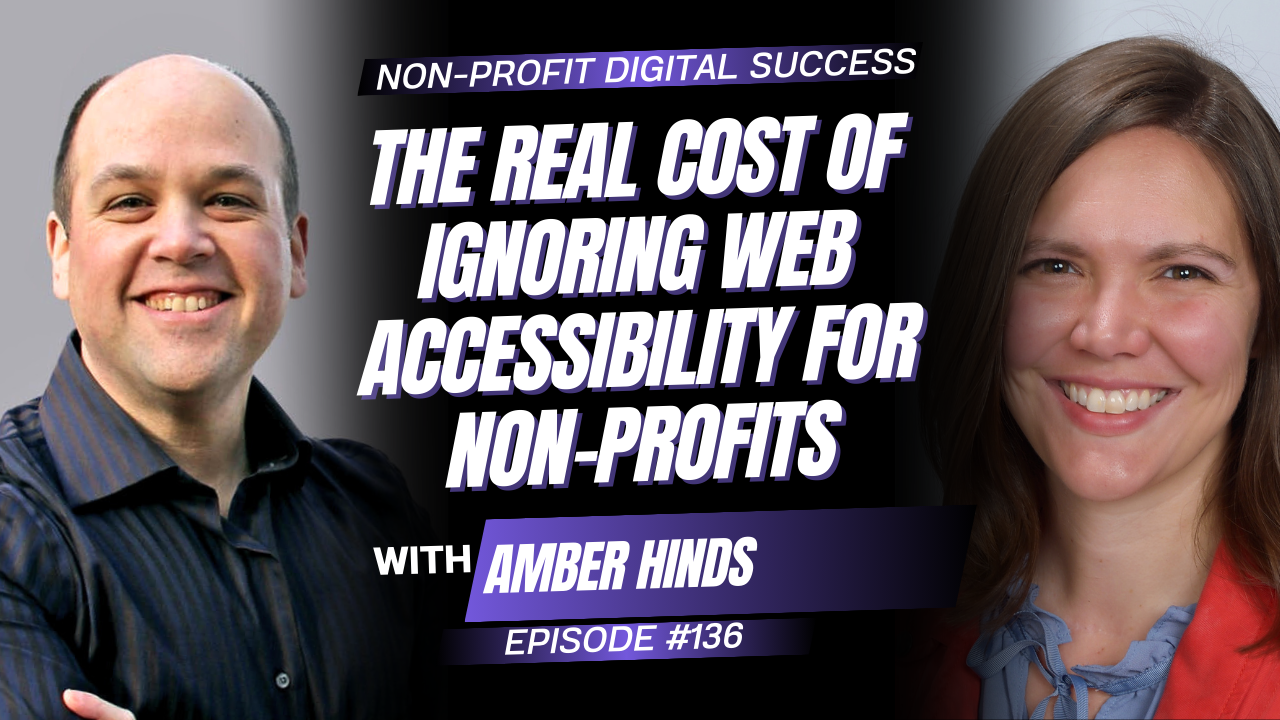
In Episode 144 of the Non-Profit Digital Success Podcast, I go solo to explain why compliance is the floor for accessibility, and what your organization gains when you aim higher. I cover donation forms, PDFs, skip-to-content links and overlays, and I show how accessible content helps you show up in Google and AI search results.
I also leave you with a 24-hour challenge: install a free screen reader and try to complete your own donation form without looking at the screen. Do it before you sign your compliance report. It takes 10 minutes and tells you more than any scanner.
Why Wow Digital
December 31 will arrive in the middle of your year-end campaign. If your website still has barriers, someone at your organization will have to choose between signing a report they aren’t sure about and missing the deadline.
Wow Digital works exclusively with non-profits and associations. We’ve completed over 320 projects, and every site we design and build meets WCAG 2.2 AA. We find the barriers, fix them at the source, and train your team to keep new content accessible. Powered by people. Accelerated by AI.
Picture your executive director signing that report, knowing every answer holds up, and every supporter can give, register, or renew without a struggle.
- Book your free 20-minute consult, and we’ll map out what your website needs before the deadline.
This article offers general guidance and isn’t legal advice. Accessibility requirements have nuances that vary by organization, so confirm your compliance with an accessibility expert before you file.
Frequently Asked Questions
When is the next AODA compliance report due?
Non-profits and businesses with 20 or more employees in Ontario must file their next Accessibility Compliance Report by December 31, 2026. Reports are due every three years.
Do non-profits and associations have to file an AODA compliance report?
Yes, if they have 20 or more employees in Ontario. Organizations with fewer than 20 employees don’t file the report but still have to meet AODA requirements like accessible customer service.
What website standard does the AODA require?
Organizations with 50 or more employees in Ontario must have public websites and web content that conform to WCAG 2.0 Level AA. Building to WCAG 2.2 AA meets that standard and covers newer criteria.
What are the fines for AODA non-compliance?
Corporations can face fines of up to $100,000 per day for ongoing non-compliance, and individuals, including directors and officers, can face fines of up to $50,000 per day.
Can an accessibility overlay make our website compliant?
No. Overlays add features like contrast controls, but they don’t fix the underlying code in your templates and content. Compliance requires fixing those root issues.
How long does it take to get a website ready for the compliance report?
Most organizations need about 8 weeks to assign an owner, audit the website, fix the highest-impact barriers and brief the board. Larger sites with many third-party tools may need longer, so start now.







0 Comments