

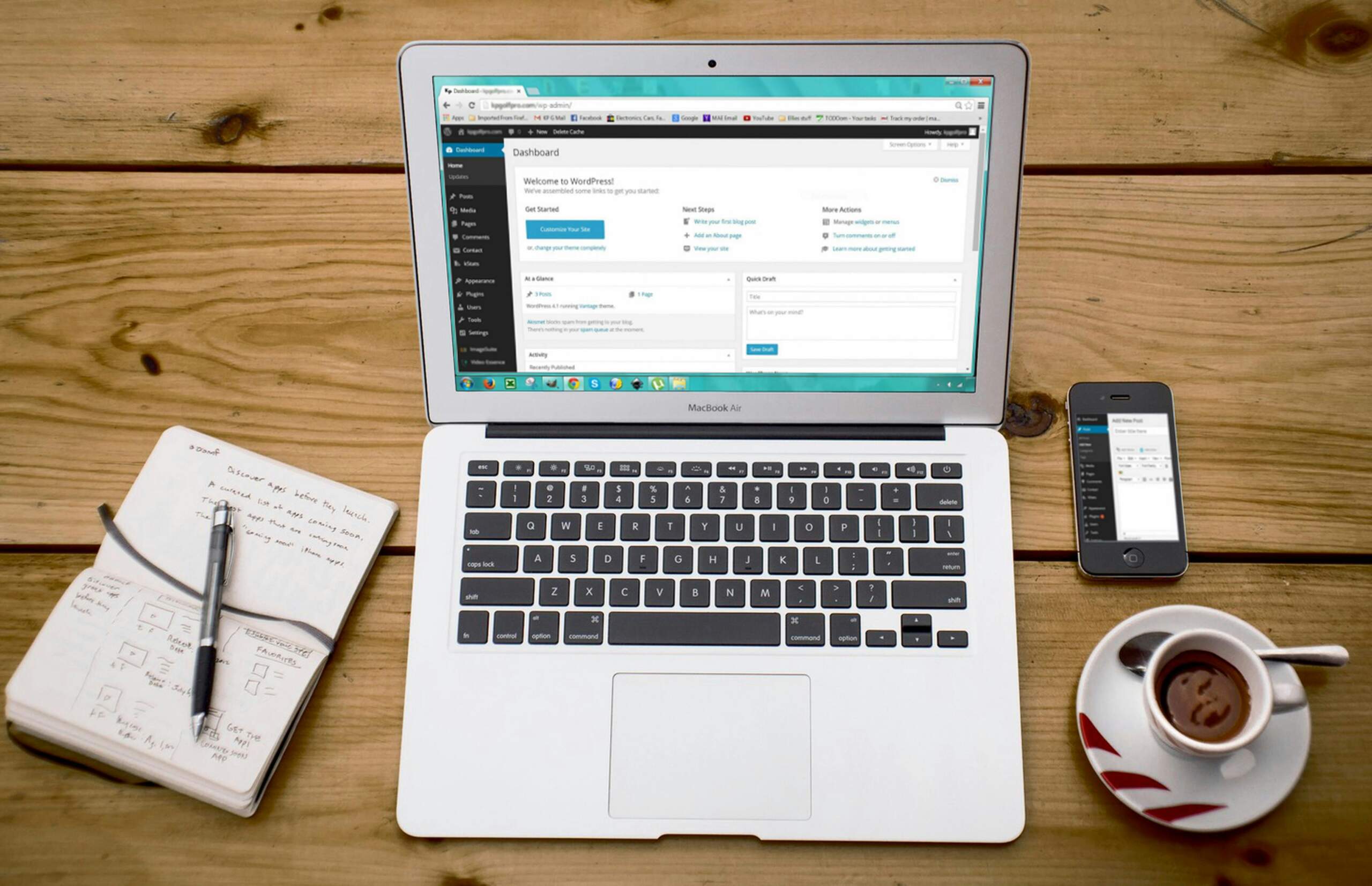
After years of helping non-profits establish their digital presence, I’ve found one thing that always rings true: Your website’s foundation shapes everything that follows.
Choosing the right content management system (CMS) isn’t just about aesthetics; it’s about creating a platform that amplifies your mission, engages your supporters, and simplifies the donation process.
If you’re evaluating CMS options for the first time or considering an overhaul, this guide will help you navigate the decision with confidence.


Why Your Non-Profit Needs the Right CMS
A CMS powers your website, making it easy to publish and manage content without technical expertise. For non-profits, finding the right system is a necessity. Here’s why:
- Streamlined workflows allow small teams to update content quickly, even during urgent campaigns.
- Built-in donation tools reduce friction for supporters.
- A professional presentation builds credibility and trust. For instance, many organizations look to examples of outstanding design in a blog post like Modern Website Design for Non-Profit Success to see what a well-crafted website should look like.
- Scalability ensures that your site grows in tandem with your organization.
The best CMS for non-profits strikes a balance between functionality and ease of use, allowing you to focus on impact rather than IT headaches.
Key Considerations When Selecting a CMS
Budget Transparency
Non-profits rarely have unlimited funds for tech. When assessing costs, look beyond initial price tags:
- Some platforms offer free software but require paid hosting and plugins.
- Others charge predictable monthly fees covering hosting, security, and support.
- Many providers offer discounts to non-profit organizations, so be sure to ask.
Prioritize value over cheap solutions.
A paid platform that includes hosting, security, and donation integration often costs less in the long term than a free CMS that requires extensive customization.
Intuitive Design
If your team juggles multiple roles, complex systems create bottlenecks. The ideal CMS should:
- Require minimal staff training.
- Allow content updates in minutes, not hours.
- Function without constant developer support.
A platform only a tech-savvy volunteer can navigate defeats its purpose.
Flexibility for Future Growth
Your CMS should adapt as your needs evolve. Key scalability factors:
- Customization: Can you add features like volunteer portals or event calendars later?
- Integrations: Does it sync with your CRM, email tools, and donation processors?
- Performance: Will it handle increased traffic during fundraising drives? For example, if you’re concerned about handling large traffic surges, you might explore ways to boost your site’s search engine performance by taking a look at SEO Tactics for Non-Profits with David Foreman.
Avoid platforms that box you into rigid templates or lack essential plugins.
Align Your Board, Team, and Tactics
Seamless Integrations
Your website shouldn’t operate in isolation. Ensure your CMS works with:
- Donation processors (Stripe, PayPal, dedicated non-profit tools).
- Email marketing platforms (Mailchimp, Constant Contact).
- CRMs (Bloomerang, Salesforce Nonprofit Success Pack).
Manual data entry between systems wastes time and invites errors.
Accessibility and Mobile Readiness
Over half of web traffic comes from mobile devices, and inclusivity matters. Your CMS must:
- Support WCAG accessibility standards. For instance, learn how to ensure your website is accessible to everyone by reviewing best practices (Enhancing Non-Profit Website Accessibility with accessiBe).
- Display flawlessly on all screen sizes.
- Offer straightforward navigation for diverse users.
Accessibility expands your reach and may help prevent legal issues as you start to engage with a wider audience.
Top CMS Choices for Non-Profits
WordPress: Maximum Flexibility
Powering over 40% of all websites, WordPress excels for non-profits needing deep customization.
Strengths:
- Plugins: Tools like GiveWP handle donations, while WPForms manages volunteer sign-ups.
- Custom design: Endless themes and builders (Elementor, Divi) allow you to tailor your site’s look.
- Integration: Connects with major CRMs and marketing platforms.
- Cost-effective: Free core software, though hosting and premium plugins add expenses.
Challenges:
- Demands occasional maintenance (updates, security patches).
- Overloading plugins can slow performance.
- Self-hosted versions require technical oversight.
Ideal for: Non-profits with some technical capacity or budget for developer support.
Squarespace: Simplicity and Style
Squarespace combines sleek templates with a user-friendly design, ideal for smaller teams.
Strengths:
- Drag-and-drop editor: Intuitive for non-technical users.
- All-in-one hosting: No separate hosting purchases or server management.
- Non-profit templates: Professionally designed layouts for charities.
Challenges:
- Limited third-party integrations compared to WordPress.
- Donation features may require external tools.
- Less flexibility for complex functionality.
Ideal for: Organizations prioritizing ease of use and visual appeal over advanced customization.
Other Notable Platforms
Wix:
- User-friendly with non-profit templates.
- Suitable for simple sites needing a quick launch.
Webflow:
- Advanced design control without coding.
- Perfect for storytelling through visuals.
Drupal/Joomla:
- Robust for large non-profits with IT teams.
- High security but steep learning curves.
WordPress vs. Squarespace: A Side-by-Side Look
| Factor | WordPress | Squarespace |
|---|---|---|
| Ease of Use | Moderate learning curve | Extremely intuitive |
| Customization | Unlimited via plugins/themes | Limited to platform tools |
| Support | Community forums, paid help available | 24/7 live chat and email |
Choose WordPress if you require advanced features and have the necessary technical resources.
Choose Squarespace if you prefer an all-in-one solution with minimal setup.
Building Your Non-Profit Website: A Step-by-Step Plan
Define Goals
Identify your site’s primary purpose: donations, volunteer recruitment, awareness, or all three. To further assess your current digital strengths and weaknesses, consider our Digital Self-Assessment Tool for Strategic Impact.
Select Your CMS
Match the platform to your team’s skills and needs.
Design for Impact
Use high-quality imagery, clear typography, and brand colours to convey professionalism. Refer to Modern Website Design for Non-Profit Success for design inspiration.
Implement Core Features
- Donation buttons with recurring gift options.
- Volunteer sign-up forms.
- An accessible, mobile-friendly layout.
Test Thoroughly
Check forms, load speeds, and mobile responsiveness before launch.
Maintain and Iterate
Regular updates keep your site secure and ensure its content remains fresh. For long-term growth, consider exploring options for a website redesign when necessary. Check out our Non-Profit Website Redesign: A Guide for Charities and 501(c)(3) Organizations (https://wowdigital.com/blog/non-profit-website-redesign-guide/).
Final Recommendations
- Best for scalability: WordPress (self-hosted).
- Best for ease: Squarespace.
- Best budget option: WordPress.org with affordable hosting.
Professional services, such as those offered by Wow Digital Inc., can help customize your solution if DIY feels daunting.
Wrapping Up
Your website is a digital ambassador for your cause. The proper CMS removes technical barriers, letting you focus on mission-driven work.
Whether you choose WordPress for its flexibility or Squarespace for its simplicity, prioritize a platform that aligns with your team’s capacity and long-term goals.
Take the time now to do your research. Your future self (and your supporters) will thank you.
Not sure where to start with your CMS?
Small improvements can drive big results. Choose the right platform to streamline publishing, integrate donations, and scale with confidence. Book a free consult and let’s move your mission forward, together.

By: David Pisarek
Last updated Jul 10, 2026 | Published on Sep 2, 2025








0 Comments